Kaimera Collective

How I run my business with just my gmail address

Google workspace apps

Selecting the most suitable digital tools for your business can be a perplexing and overwhelming task at times. Personally, I use Google’s workspace because it is simple and effective. I’ve found my digital companions in Google’s suite of tools. In this blog, I’ll inform you on how I used Google’s tools to make our work routine smoother and cost effective.

Throughout different jobs, I’ve consistently used Microsoft Excel for various tasks and responsibilities. When looking for a tool that fits smoothly into the business, Google stood out as the top choice. When I started my own business, I looked for a tool that felt familiar, easy to use, and wouldn’t affect the budget. Google’s suite, with free access to Google Sheets, Docs, and more, proved to be the perfect fit. It was helpful that it didn’t appear outdated and had a strong focus on being online-based.

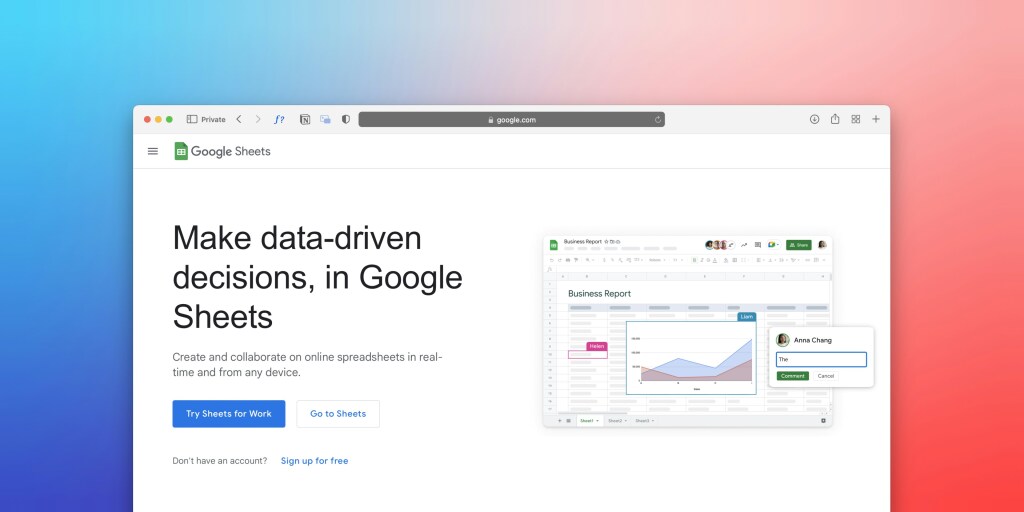
Google Sheets and Google Workspace download page

The decision-making process weighed the pros and cons of Google against Microsoft. Google became the top choice because of its user experience, friendliness, and polished design and nearly everyone already had a Gmail account. It was more than just selecting a tool, it was about embracing an ecosystem that was prepared to handle the needs of a growing business.

One of the ways we used Google’s flexibility was to create a personalized invoicing system. I’ll explain how Google’s tools smoothly worked together to transform my invoicing process. It has slowly become a standout feature for both my team and clients. 

To make invoicing smooth and personal, I chose to create the invoice template in Google Docs. The application allowed me to edit colors, add logos, and set up tables for service information. The aim was to create invoices that are not just professional, but also show the company’s unique style.

To make invoicing easier and with a touch of automation, I added placeholders to the template. These placeholders linked to information in the Google Sheet that was entered from the Google Form. Each time someone filled out the Google Form, it created a new row in the Google Sheet. This established a place with all the information needed to make a professional invoice.

The real magic happened when I used JavaScript to connect Google Sheets and Google Docs. The script searched for placeholders in the sheet, got information from a new row, and smoothly added it to the Google Doc. The final touch was converting the document into a PDF, ready to be sent to clients. 

In my search for a complete solution, I discovered that Google’s toolset worked well together. The entire invoicing process, from creating to tracking, happens in the Google system. The simplicity of the process not only removed the need for extra apps but also showed all sent invoices in one view.

The combination of Gmail and Google tools not just saved us money but also sparked creativity in our business. The freedom to design, automate, and document without juggling many platforms is fantastic. 

 
  • All Posts
  • A day in the life.
  • Business Tools.
  • Case Study.
  • Our Imagination in Words.
  • Our thoughts in words.
Scroll to Top